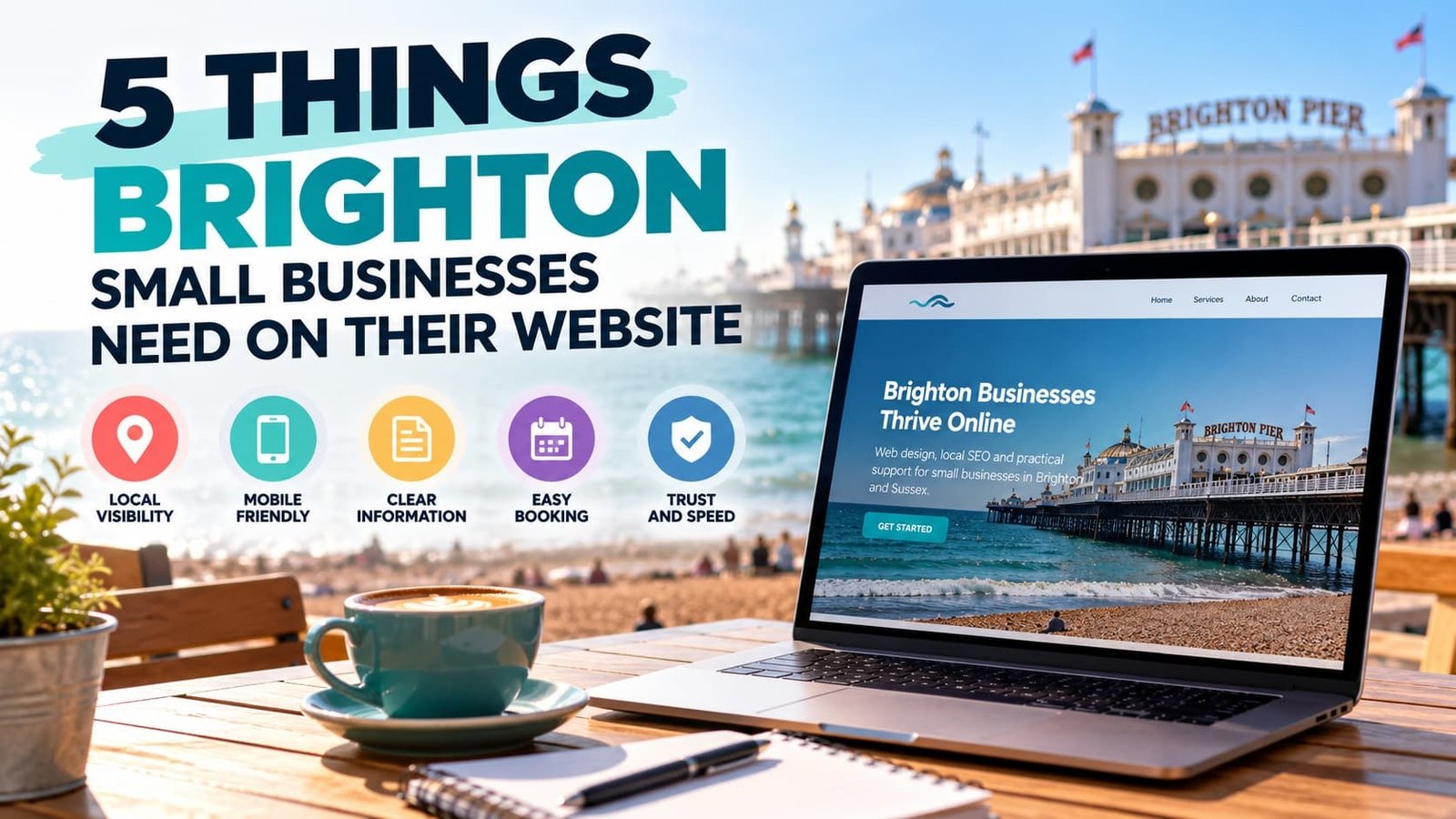
Overview at a glance:
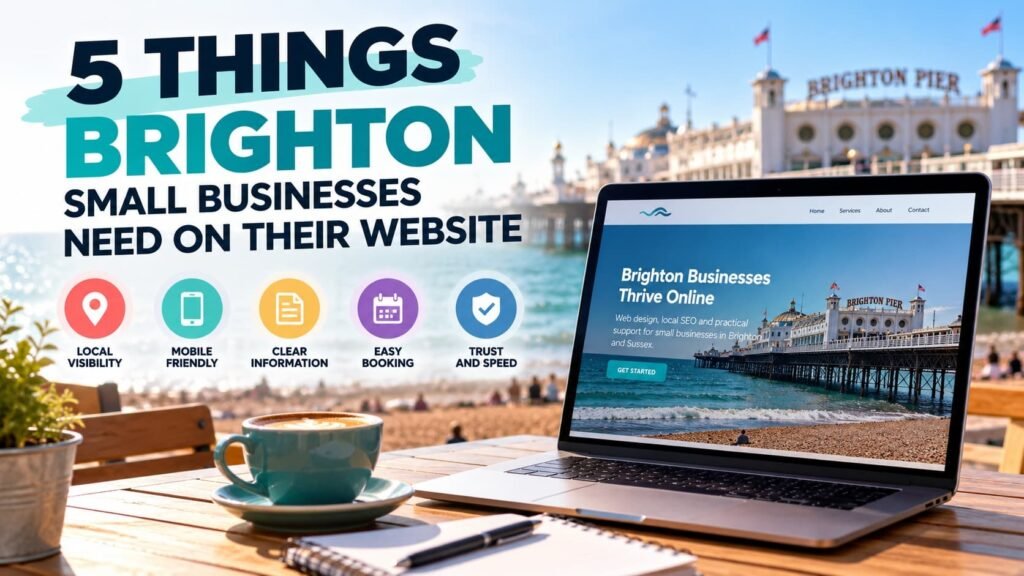
- Make your Brighton location, service area and business information clear so customers can quickly see where you operate.
- Build for mobile first. Most UK adults’ online time is now spent on smartphones.
- Put important information such as opening hours, phone numbers, services and location where people can find it quickly.
- Give every important page a clear next step, such as calling, booking, requesting a quote or getting directions.
- Keep your website fast, easy to use and supported by genuine trust signals such as reviews, contact details and examples of your work.
Brighton is packed with small businesses competing for the attention of residents and visitors. The city recorded 14,410 businesses in 2023, and 98.6% were classed as small or micro businesses. The city also welcomed 11.8 million visitors during 2023, including 1.6 million overnight visitors.
For a local business, that makes your website an important part of how people find you, assess you and decide what to do next. The things Brighton small businesses need on their website aren’t complicated, but each one has a practical purpose.
Your website should quickly answer three questions: What do you offer? Do you serve me? What should I do next?
Get those basics right and your website has a much better foundation for supporting local search visibility and turning interested visitors into enquiries, bookings, calls or visits.
1. Does Your Website Make It Clear You Serve Brighton?
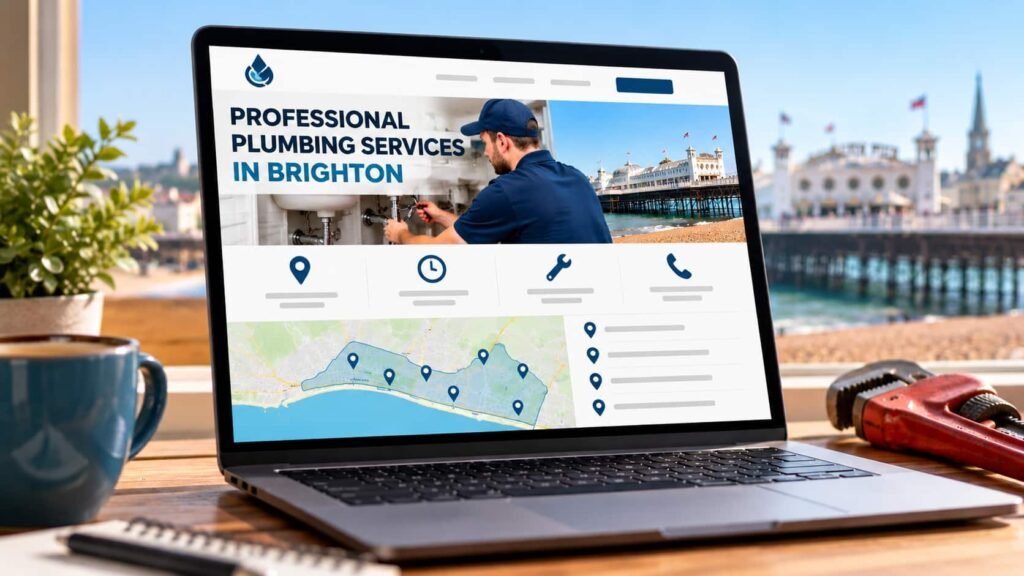
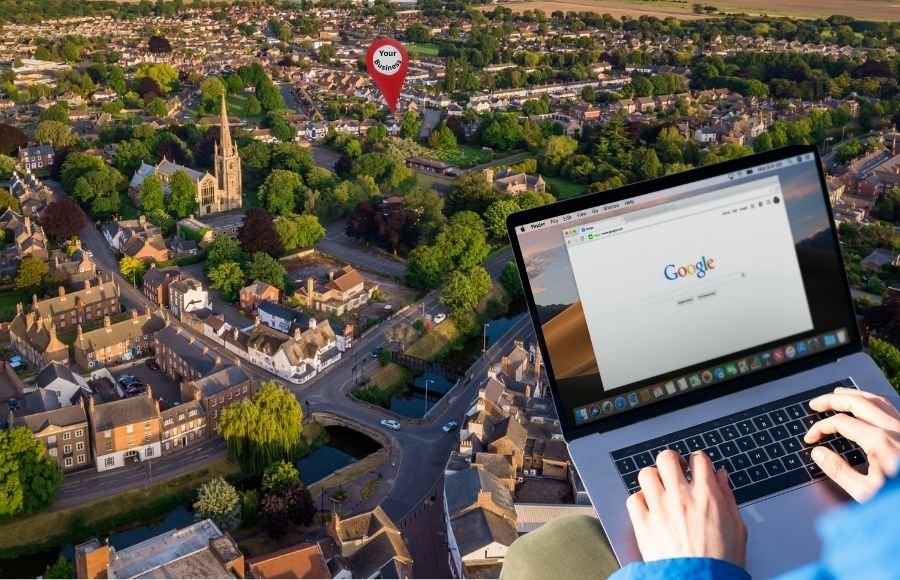
Your website should give customers and search engines clear information about where your business operates and which areas you serve.
Google says its local results are mainly based on relevance, distance and prominence. Relevance refers to how closely a business matches what somebody is searching for, while distance considers how far the business is from the searcher.
That makes location information an important part of local SEO in Brighton.
If you have premises that customers visit, make your address, opening hours and contact information easy to find. If you travel to customers instead, clearly explain your service area and the parts of Brighton, Hove and surrounding Sussex that you cover.
Your website can also help Google understand your business. Google says information used for Business Profiles can come from official websites, alongside other sources. Google gives searches such as “salons near me” and “salons open now” as examples where address and opening-hour information can help surface relevant businesses.
That doesn’t mean repeating “Brighton” in every heading and paragraph.
Your location should appear naturally where useful. A plumber, for example, might explain that they cover Brighton, Hove, Portslade and surrounding areas. A café with physical premises would usually need its full address, opening hours and directions instead.
When Are Local Landing Pages Useful?
Local landing pages make sense when you genuinely provide services across several areas and have useful information to give customers in each location.
A page targeting Hove should have a reason to exist beyond changing “Brighton” to “Hove”. Explain the services available, areas covered and information that matters to customers in that location.
For businesses looking at small business web design, location targeting should form part of the website structure rather than being added as an afterthought.
2. Is Your Website Properly Designed for Mobile Visitors?
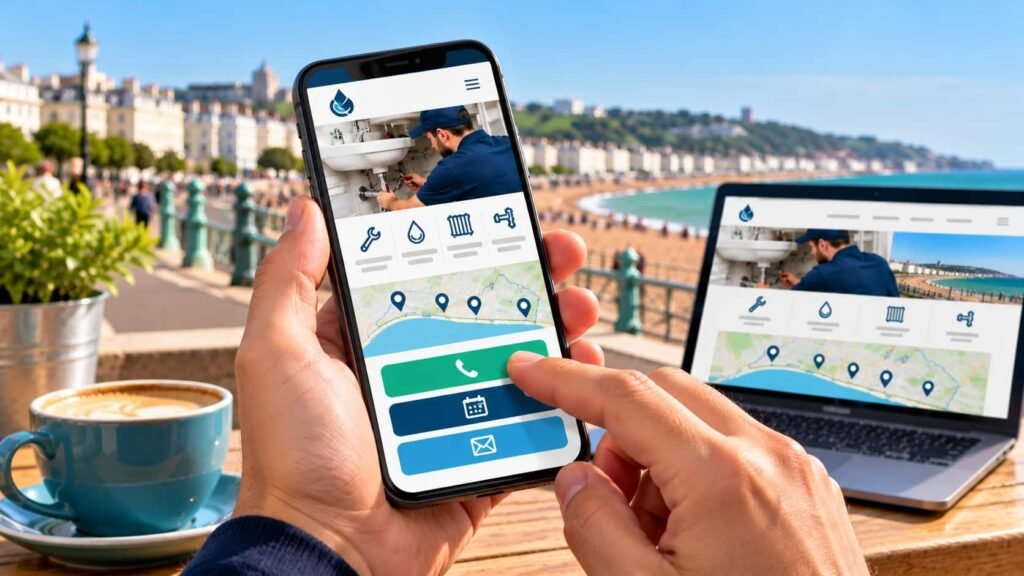
A Brighton small-business website should work properly on smartphones because most UK adults’ online time is now spent on mobile devices.
Ofcom’s Online Nation 2025 found that UK adults spend an average of four and a half hours online each day, with most of that time spent on smartphones. Google Maps is also one of the three most commonly used apps among UK adults.
That matters for Brighton businesses serving people who may be searching while they’re already out in the city.
Someone looking for somewhere to eat, a nearby shop, an emergency tradesperson or an appointment doesn’t necessarily have a laptop in front of them. Your mobile website needs to make finding the right information straightforward.
Google also uses the mobile version of website content for indexing and ranking and strongly recommends having a mobile-friendly website.
What Does Mobile Friendly Actually Mean?
Mobile friendly website design involves more than shrinking a desktop page to fit a smaller screen.
Check that:
- Text is readable without zooming.
- Navigation is simple to use with a thumb.
- Buttons have enough space around them to tap accurately.
- Phone numbers can be tapped to call.
- Contact and booking forms work on smaller screens.
- Important information appears early on the page.
- Images don’t make pages unnecessarily heavy.
- Pop-ups don’t cover the information somebody came to find.
Test your website on a real phone rather than relying entirely on a desktop preview.
Try completing the same tasks a potential customer would. Find your phone number. Check your opening hours. Locate a service. Submit your enquiry form.
If any of those tasks feel awkward, your customers face the same problem.
A bespoke web design project should consider these mobile journeys from the planning stage rather than treating mobile design as a final check before launch.
3. Can Customers Find the Information They Need Quickly?
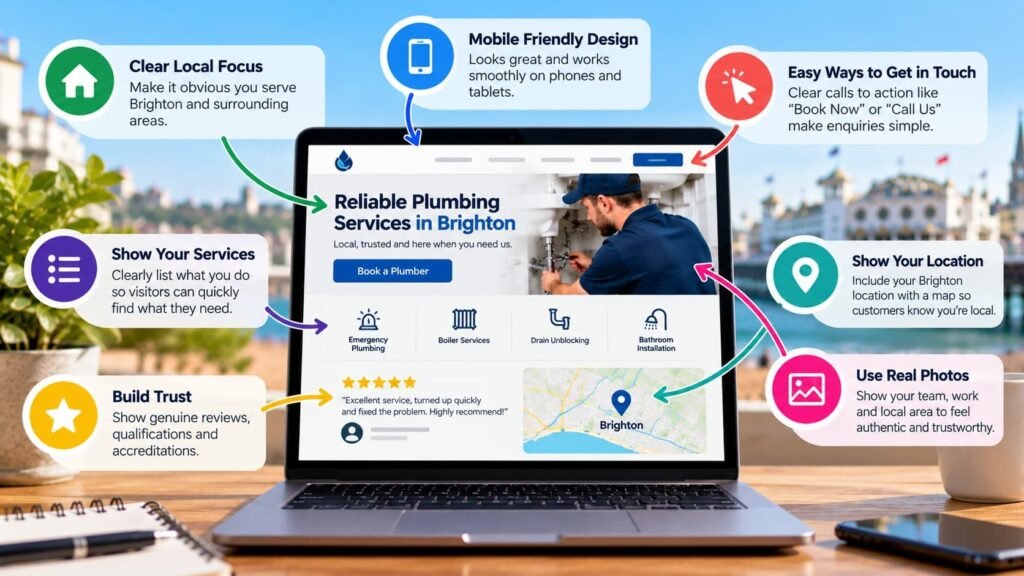
Your website should make essential business information easy to find without forcing visitors through complicated menus or long pages.
The exact information depends on the type of Brighton business you run, but common requirements include:
- Phone number.
- Opening hours.
- Address or service area.
- Main services.
- Prices, where appropriate.
- Directions.
- Contact options.
- Booking information.
- Availability information, where relevant.
Think about why somebody has arrived on each page.
A restaurant visitor may want the menu, location, opening hours and reservation link.
Someone looking for an electrician may care about the services provided, areas covered, qualifications and how to request help.
A salon customer may want treatments, prices, opening hours, location and an appointment booking button.
A shop visitor may want opening hours, directions and information about what you sell.
Good website user experience starts with understanding these needs and removing unnecessary steps.
Google’s guidance on page experience recommends considering the overall experience rather than focusing on one or two individual measurements.
The same principle works from a customer perspective.
Look at each important page and ask what somebody arriving there is trying to accomplish. Then make that information easy to reach.
4. Does Every Important Page Have a Clear Next Step?
Every important page should make the next action obvious, whether that means calling, requesting a quote, booking an appointment, reserving a table or getting directions.
A visitor shouldn’t reach the bottom of a service page and wonder what they’re supposed to do.
The right call to action depends on the business and the page.
For example:
- “Call For Availability”
- “Request A Quote”
- “Book An Appointment”
- “Reserve A Table”
- “Get Directions”
- “Check Availability”
The important point is relevance.
Someone reading about boiler repairs is more likely to need a phone number or quote request than a vague button sending them back to a general contact page. Someone looking at salon treatments may prefer to see appointment availability immediately.
This is where conversion rate optimisation for a small business becomes practical. You don’t necessarily need complicated software or dozens of tests. Start by removing unnecessary steps between the visitor and the action they already want to take.
When Does an Online Booking System Make Sense?
An online booking system can make sense when customers regularly arrange appointments, reservations or other time-based services.
Salons, restaurants, consultants, therapists and similar appointment-based businesses are obvious examples.
Google also allows eligible businesses to add business links to their Business Profile that can help customers book appointments, make reservations, place food orders or place shopping orders directly from Google Search or Maps.
Your website should support the same straightforward journey.
If booking is central to your business, make the booking option prominent rather than hiding it several clicks into the website.
Our web design services focus on creating clear website structures around what customers need to find and do.
5. Your Website Needs to Be Fast, Trustworthy and Easy to Use
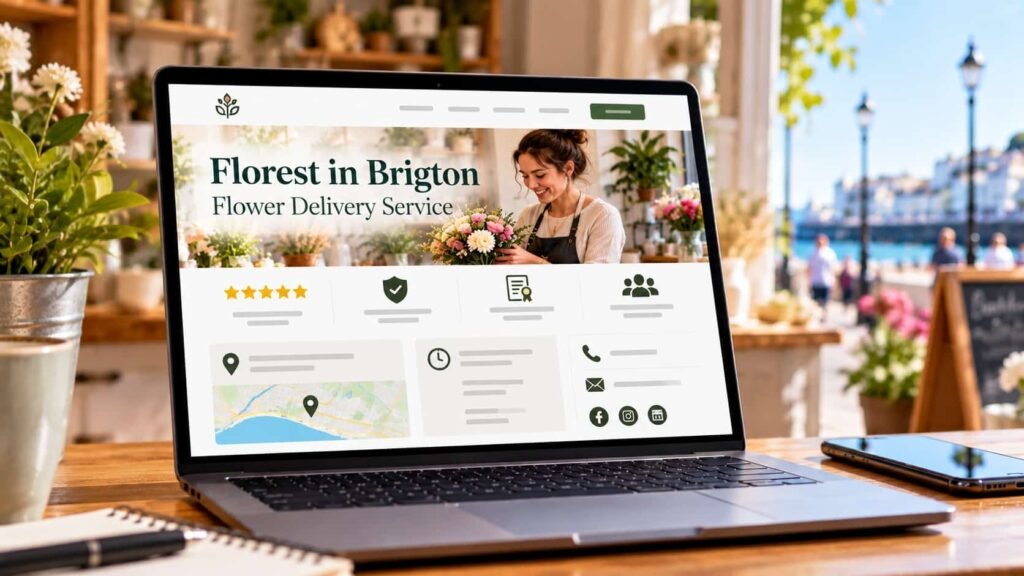
An attractive website can create a strong first impression, but appearance alone doesn’t make a useful small-business website.
People also need to trust the business behind it and use the site without unnecessary delays or confusion.
Start with the basics.
Use genuine business contact details. Explain your services properly. Show real reviews and testimonials where available. Include relevant qualifications, memberships or accreditations when you hold them.
For businesses where completed work matters, show examples. Photographs of previous projects can tell a potential customer far more than a page filled with generic marketing statements.
You can see examples of how we approach different small-business websites in our recent website projects.
Website Speed Matters on Mobile
Page speed also deserves attention.
Google’s Core Web Vitals measure three aspects of user experience: loading performance, responsiveness and visual stability.
Google’s recommended thresholds are:
- Largest Contentful Paint (LCP): within 2.5 seconds.
- Interaction to Next Paint (INP): 200 milliseconds or less.
- Cumulative Layout Shift (CLS): 0.1 or less.
Those names sound technical, but the principles are simple.
Your main content should appear promptly. The website should respond quickly when somebody interacts with it. Page elements shouldn’t suddenly jump around while the visitor is trying to read or press a button.
Large images, unnecessary scripts, excessive plugins and bloated pages can all make a website harder to use.
Speed should therefore form part of your website planning, especially when you’re building for people using mobile connections.
What Should a Brighton Small-Business Website Achieve?
A useful small-business website should make the journey from Google search to customer action straightforward.
Someone searching for a business in Brighton should be able to understand what you provide, where you operate and how to take the next step without hunting for basic information.
That means thinking about your website from your customer’s perspective.
Can they find you?
Can they immediately understand what you offer?
Does the website work properly on their phone?
Can they find enough information to trust your business?
Can they easily call, enquire, book, reserve or visit?
These questions are more useful than judging a website purely on how modern it looks.
Tamed Web is backed by more than 15 years of professional web design and website management experience. We build mobile-responsive WordPress websites for small businesses and provide Local SEO, including Google Business Profile optimisation, local keyword targeting and location-focused optimisation where appropriate.
If your existing website makes any of these five things difficult, discuss your website with Tamed Web. We can review what you currently have and recommend practical improvements based on your business, customers and goals.